How to remove AI metadata from an image
Generators write three kinds of provenance into a file: PNG text chunks naming the model and prompt, XMP blocks, and a C2PA manifest declaring the image machine made. Exiftool deletes the first two reliably. It cannot always strip a signed C2PA manifest, and a screenshot removes all metadata but also removes anything legitimate the file carried. PassReal removes all three and writes coherent camera metadata in their place.
Last updated: 2026-09-24
The three places provenance hides
An image file is more than its pixels. Most AI generators, and most of the tools built on top of them, write a record of how the file was made directly into the file itself, in three places that behave differently.
PNG text chunks are the simplest: free-form key/value pairs in the file header, commonly holding the model name, sampler, seed and full prompt. Stable Diffusion web UIs are the most consistent offenders here, because the chunk is convenient for the tool's own history feature and nobody thinks to strip it before sharing the export.
XMP is Adobe's metadata format, embedded as an XML block. Some export paths add it on top of PNG chunks or EXIF, duplicating the same information in a second location that a casual metadata check might miss.
C2PA is the newest and the most consequential. It is a signed manifest, part of an industry coalition standard, recording a chain of "assertions" about how a file was produced or edited. Where PNG chunks and XMP are informal and easy to strip, a C2PA manifest is cryptographically signed, which is exactly what makes platforms start to trust it, and what makes it harder to remove cleanly.
Doing it by hand with exiftool
For PNG text chunks and XMP, a single command does most of the work:
exiftool -all= image.pngstrips every metadata tag the tool recognises, which covers the common generator chunks and any XMP block.exiftool -listwid image.pnglists what is actually present before you strip it, worth running first so you know what you are removing.- On JPEG, the same command also clears EXIF, which is useful when the file went through a generator that borrowed a camera EXIF template and left it half-populated with obviously synthetic values.
This is honest, free, and it works for the metadata most casual reviewers check. Its limits show up in two places. First, some C2PA implementations resist a full strip: exiftool can remove the human-readable parts of a manifest while leaving a fragment that a dedicated C2PA reader still flags, which reads as evidence of tampering rather than a clean file. Second, exiftool changes nothing about the pixels, so any signal that lives in the image data itself, not the metadata, survives untouched.
Doing it with a screenshot
A screenshot is the blunt version of the same idea. Because it is a new file, captured by the operating system rather than exported by the generator, it carries none of the original's metadata. No PNG chunks, no XMP, no C2PA manifest, nothing.
The cost is quality. A screenshot recompresses the image, applies whatever colour management the display pipeline uses, and frequently changes resolution to match the screen or window it was taken from. For a small preview that is fine. For anything printed, sold as a stock asset, or uploaded to a platform that checks resolution, the loss is visible and the file no longer matches the original in dimensions or fidelity.
A screenshot also removes metadata you might have wanted to keep, such as a colour profile or a genuine capture date on an image that started as a real photograph and was only touched by AI tooling for one edit.
Why the metadata comes back
Both manual routes share a failure mode that is easy to hit by accident. Most image editors read a file, preserve whatever metadata they do not explicitly change, and write it back out on export. If the strip happens early in a workflow and the file then passes through an editor with default settings, fields you removed can be reintroduced without any message telling you so.
The practical rule is to strip last, immediately before delivery, after every other edit is finished. Stripping first and then opening the file again for a colour tweak is the most common way a supposedly clean export turns out not to be.
Where PassReal fits
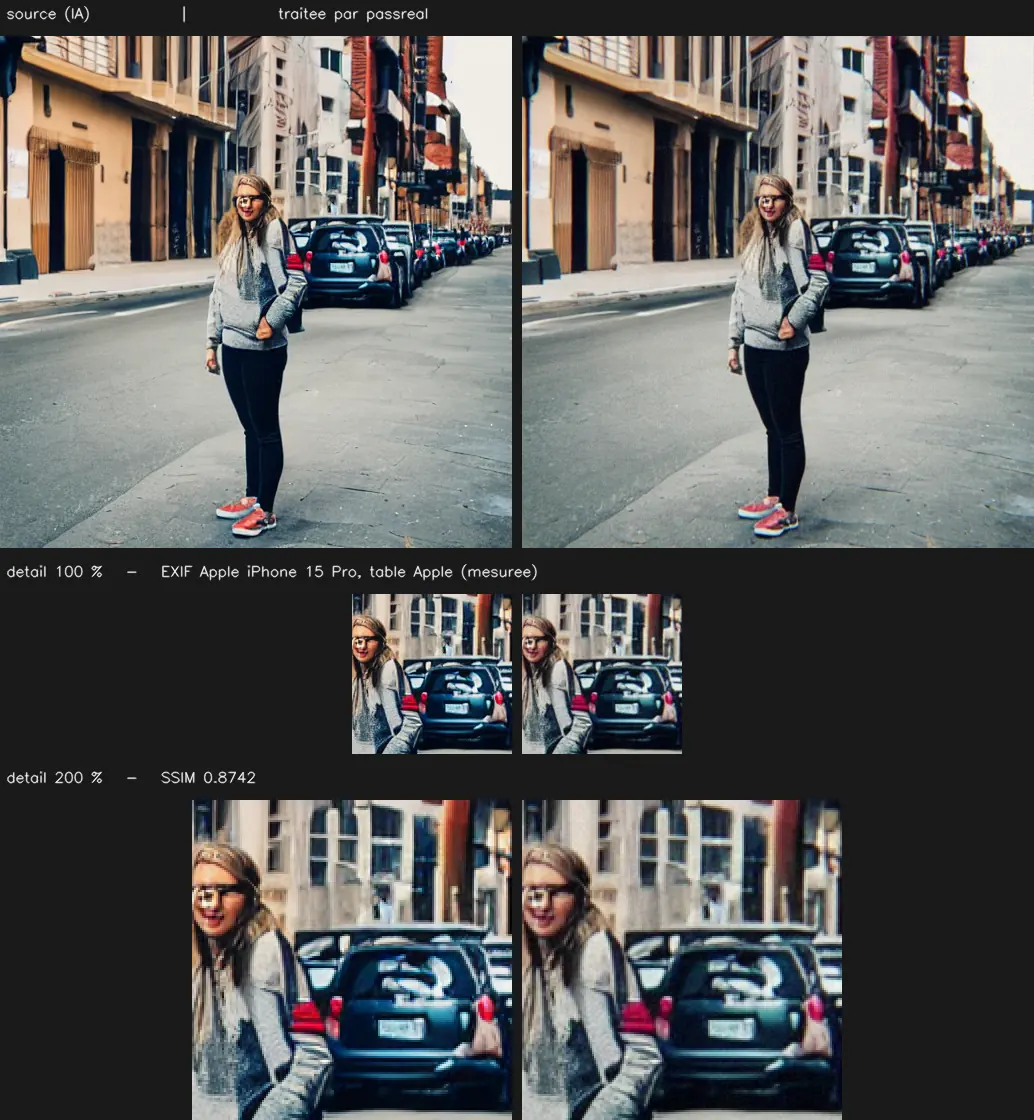
PassReal automates the strip and goes one step further than deleting fields. It removes PNG text chunks, XMP blocks and C2PA manifests in a single pass, measured against a real Gemini export: 174 markers in, 0 markers out. Then it writes a coherent camera EXIF block, matched to a real JPEG quantization table for the declared camera body, so the result does not read as a file with its metadata simply deleted, which is itself a pattern some checks look for.
What it does not do is change whether the image content itself reads as machine made to a human reviewer, and no pass rate against any detector is published, because none has been measured in a way that would still hold next month. Processing takes about a minute, on PNG, JPEG and WebP files up to 8192 px, and the free plan gives 1 image now and 2 more once your email is confirmed.
| What is checked | Value |
|---|---|
| Accepted formats | PNG, JPEG, WebP |
| Maximum size | 20 MB |
| Maximum dimension | 8192 px on the longest side |
| Sensor grain intensity | 0.018 |
| Lateral chromatic aberration | 1.25 px at the corners, none at the centre |
| Frequency cutoff | 0.88 of Nyquist |
Questions
What metadata actually says an image is AI generated
Three separate things, usually. A PNG text chunk holding the model name, sampler and prompt, written by the generator or the UI in front of it. An XMP block, which some export paths add on top. And a C2PA manifest, an industry-standard signed record of provenance that more platforms are starting to check. A file can carry any combination of the three.
Does exiftool remove all of it
It removes PNG text chunks and XMP with a single command, `exiftool -all= file.png`, and that covers most consumer generators. A C2PA manifest is a separate, cryptographically signed structure that some exiftool versions cannot fully strip, and a partially removed manifest can read as tampering rather than absence, which is worse than leaving it alone.
Does a screenshot remove all metadata
Yes, because a screenshot is a new file with no memory of the one it was taken of. It also removes anything legitimate the original carried, such as EXIF from a real camera, and it degrades the image: recompression, colour management, and often a resolution change. It is a blunt tool that works but costs quality.
Why does the metadata come back after editing
Most editors read the original file, keep whatever metadata they do not explicitly touch, and write it back out on export. Opening a stripped file in an editor that preserves ICC profiles or XMP by default can reintroduce fields you already removed, so the strip has to be the last step before delivery, not an early one.
What does PassReal do differently
It removes PNG text chunks, XMP and C2PA manifests in one pass, verified against 174 markers on a real Gemini export going to zero, then writes a coherent camera EXIF block and a matching JPEG quantization table so the file does not read as metadata stripped to nothing. No detector pass rate is published: this changes what a file declares, not what a model classifier measures in the pixels.
Is this legal to do
Removing metadata is an ordinary file operation, the same category as cropping or recompressing. How you represent the resulting image is your responsibility, and using it to misrepresent authorship on a platform that requires disclosure can violate that platform's terms even though the file operation itself is unremarkable.
Limits
Naturalization operates on the pixels and on the file, not on the content of the image. A subject that is implausible - six fingers, inconsistent reflections, text that does not read - stays implausible after processing, and a human reviewer will notice it. PassReal changes what a statistical classifier measures, not what a person sees.
Results vary by generator, by subject and by detector, and detectors are retrained. No pass rate is published on this page because none has been measured in a way that would still hold next month.
Three images, no card, no expiry.